Building the Client Intake Agent: A Notion Pipeline for the First 72 Hours
A Notion custom agent that automates the highest-friction part of freelance client ops.

Client
Self (freelance practice)
Role
AI Product Designer & Builder
Tools
Notion Custom Agents, Gmail, Google Calendar, Notion Calendar, Figma
Timeline
Notion Agent Hackathon 2026
tl;dr
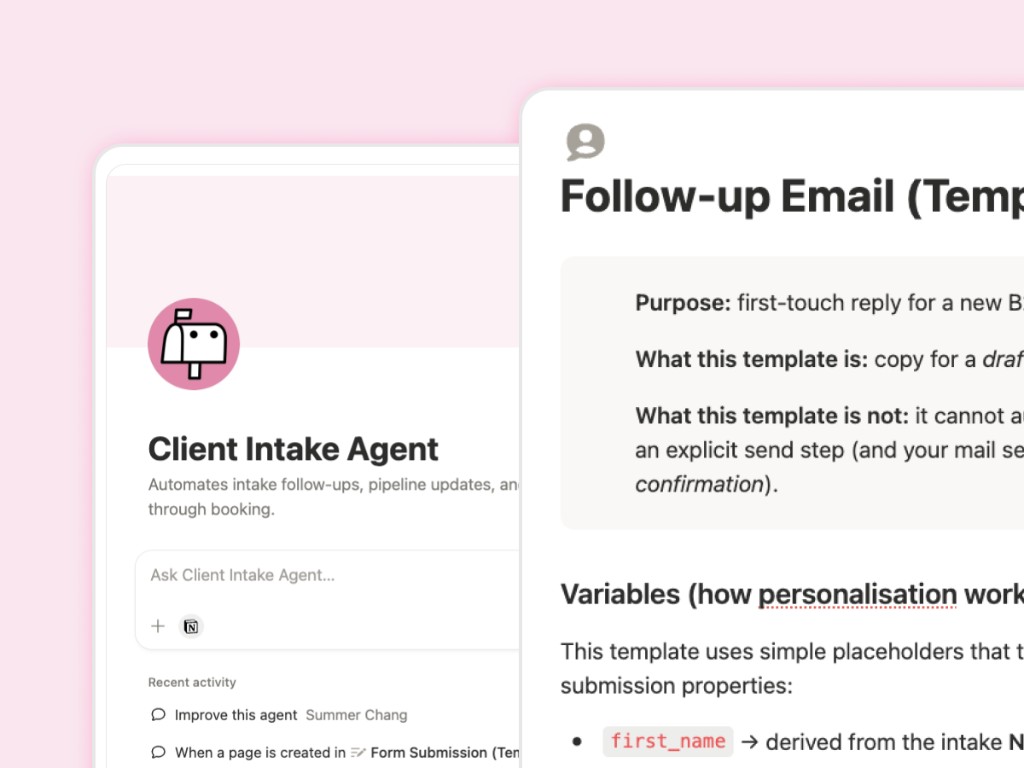
Running a solo design practice, the first 72 hours after a new inquiry are the highest-friction window — follow-up emails, portfolio examples, booking confirmations, proposal drafts. I built a Notion custom agent with a 9-step pipeline: auto-send where timing matters, Gmail drafts where relationships matter, and portfolio matching pulled from a STAR-format case study database. Submitted to the Notion Agent Hackathon 2026 as a free Marketplace template.
9
Automated pipeline steps
0 min
Manual onboarding per client
Free
Notion Marketplace template
The first 72 hours are where leads go cold
Running a freelance design practice means wearing every hat. The first three days after a new inquiry are the most time-sensitive — and the most manual.
Every new lead meant writing a personalized follow-up, attaching relevant portfolio examples, sending a booking confirmation, drafting a day-before reminder, following up if they went quiet, then drafting a proposal after the call. One dropped ball and the lead goes cold.
The work isn't hard. It's just repetitive enough to create a bottleneck when business picks up — and every manual step is a place where things get dropped.
“I needed a front desk for client ops, not another checklist app.”
Nine steps — one form submission
The entire system fires from a single trigger: a client submitting the intake form. No manual steps between form and a fully set-up project workspace.
| Step | Action | Send rule |
|---|---|---|
| 1 — Intake | Lead submits form | Trigger |
| 2 — Follow-up | Branded Gmail draft with portfolio examples | Draft — you review |
| 3 — Book a call | Lead self-schedules via booking link | Lead action |
| 4 — Confirmation | Branded confirmation with meet link | Auto-sends instantly |
| 5 — Day-before reminder | Reminder with join + reschedule options | Auto-sends at 7am |
| 6 — Write proposal | Agent drafts scope + portfolio match | Draft — you review |
| 7 — Send proposal | Finalized proposal to client | Draft — you review |
| 8 — Contract | DocuSign contract for signing | Draft — you send |
| 9 — Deposit | QuickBooks invoice for 50% upfront | Draft — you send |
Auto-send vs. human in the loop
The hardest part of the build was trigger logic — deciding what should fire automatically and what should land as a Gmail draft. The rule I landed on: auto-send only when the content never changes and timing matters. Everything else gets a draft, because client relationships deserve a human touch before anything goes out.
Three design decisions that made it work
Portfolio matching by service type
The agent searches a Portfolio Database and pulls 1–3 case studies matched to what the client asked about. Each project has a Best For Questions field — plain language describing which client ask that project answers. If a project has no live URL, the agent skips it automatically.
Branded HTML email templates
All emails use a centralized HTML layout — colors, fonts, logo, CTA button style defined once so every draft looks consistent regardless of which step triggered it.
Notion as single source of truth
Clients, projects, tasks, and portfolio entries all live in linked Notion databases. One place to check, one place to update — the agent reads and writes against the same structure you work in daily.
The pipeline in motion
Confirmations and reminders fire on their own. Follow-ups and proposals land as Gmail drafts. Portfolio examples attach automatically based on what the client asked for.
Built for the Notion Agent Hackathon 2026
What shipped
| Output | Detail |
|---|---|
| Marketplace template | Free — duplicate and run in under an hour |
| Pipeline steps | 9 automated stages from intake to deposit |
| Portfolio matching | Service-type-aware case study selection |
| Email system | Branded HTML templates with draft vs. auto-send rules |
| Known gaps | DocuSign + QuickBooks are placeholder links in v1 — documented in the template |
Key Takeaways
- 1Systems design is design — map the pipeline before you automate it.
- 2Auto-send only when content is fixed and timing is the variable — everything relational stays a draft.
- 3Portfolio matching beats generic follow-ups — attach proof that matches the ask.
- 4A free Marketplace template is a distribution strategy, not a compromise.
- 5Document the manual gaps honestly — DocuSign and QuickBooks placeholders set the right expectations.
Scheduling: Notion Calendar works for booking but doesn't support reschedule/cancel links inside reminder emails — exploring Calendly with a branded wrapper for v2.
Newsletter Agent: spin the email infrastructure from this build into a standalone Notion-native newsletter engine — write, send, and manage subscribers entirely inside Notion.
Scheduling: Notion Calendar works for booking but doesn't support reschedule/cancel links inside reminder emails — exploring Calendly with a branded wrapper for v2. Newsletter Agent: spin the email infrastructure from this build into a standalone Notion-native newsletter engine — write, send, and manage subscribers entirely inside Notion.
Explore other case studies
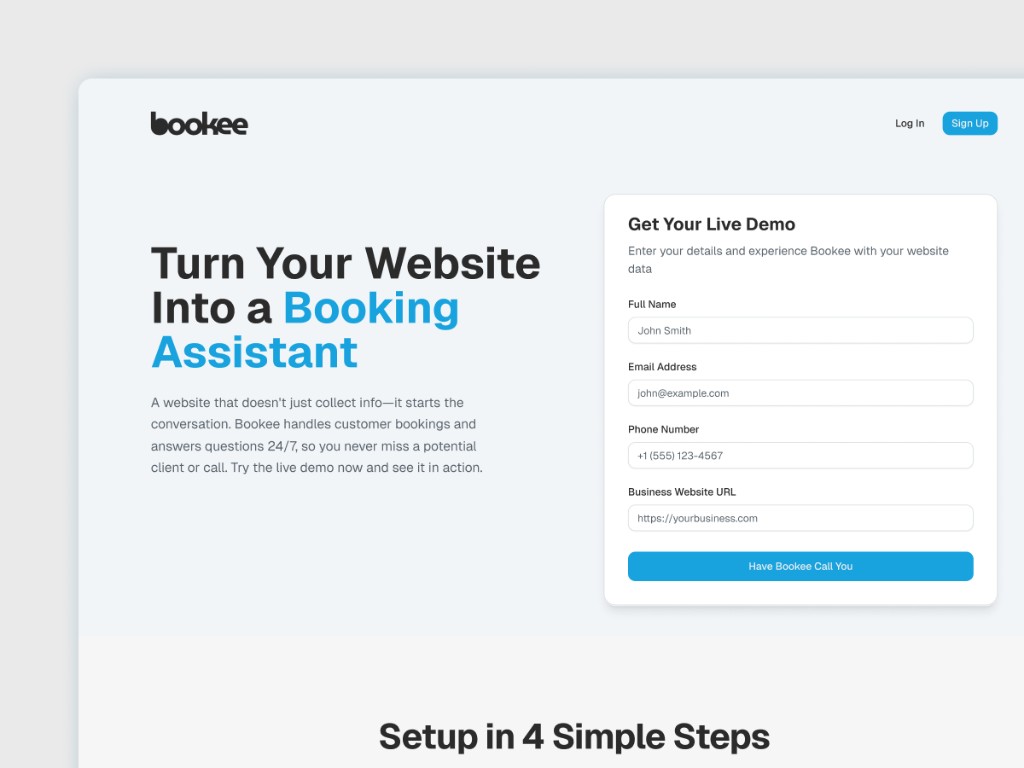
Bookee
Researches each lead and calls back in under 60 seconds to book qualified meetings.
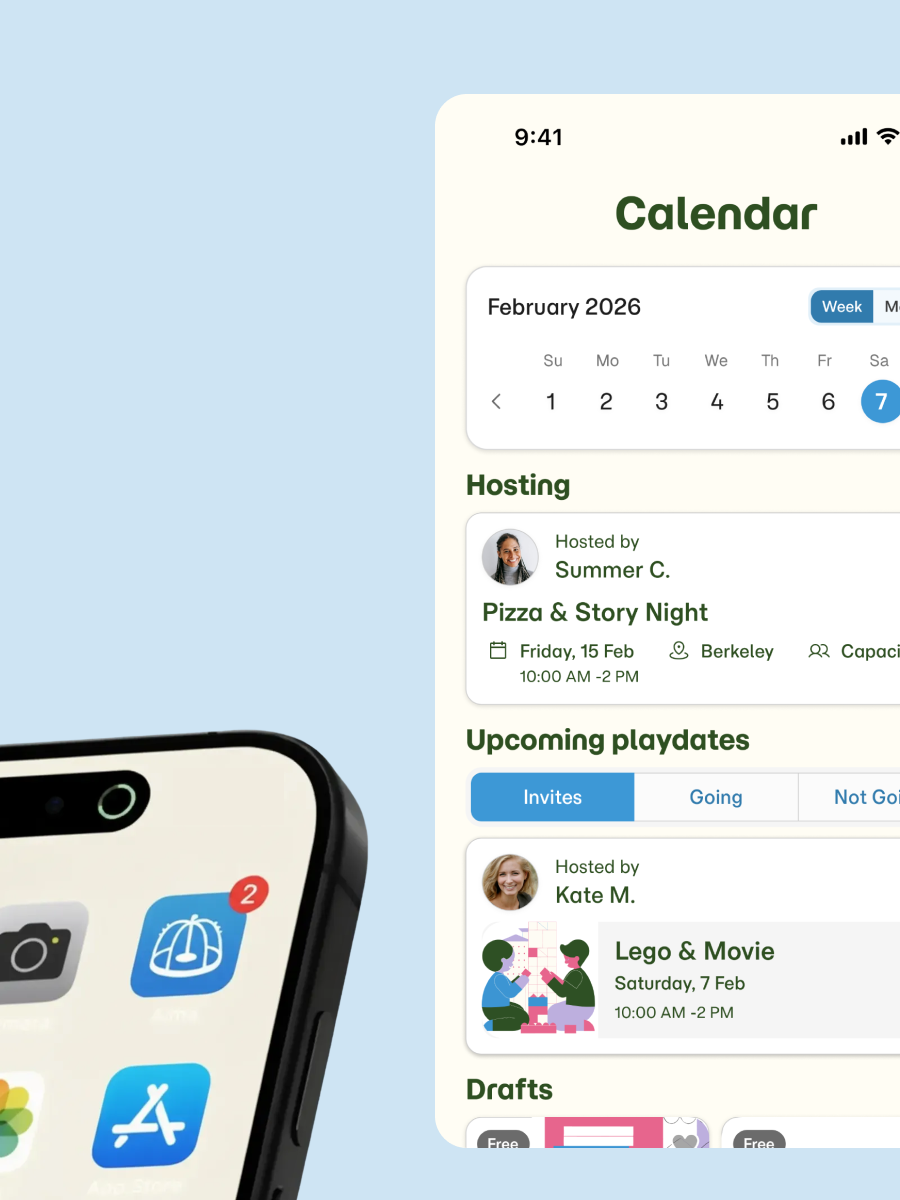
Oakling
Family-friendly Bay Area activities to do with your trusted circle, and memories that stick.
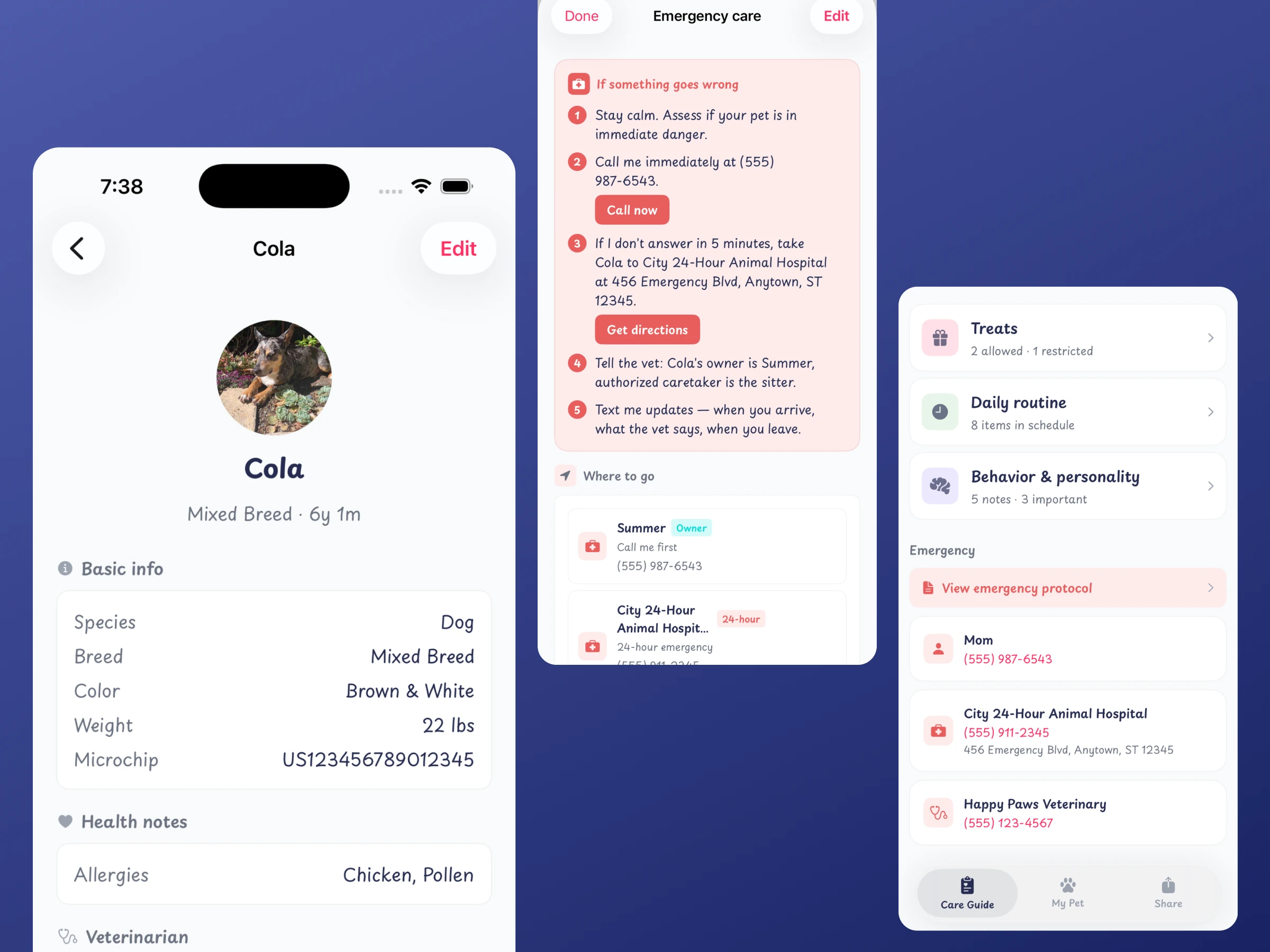
FurPass
Build a pet care guide once and share a secure link any sitter opens in a browser.
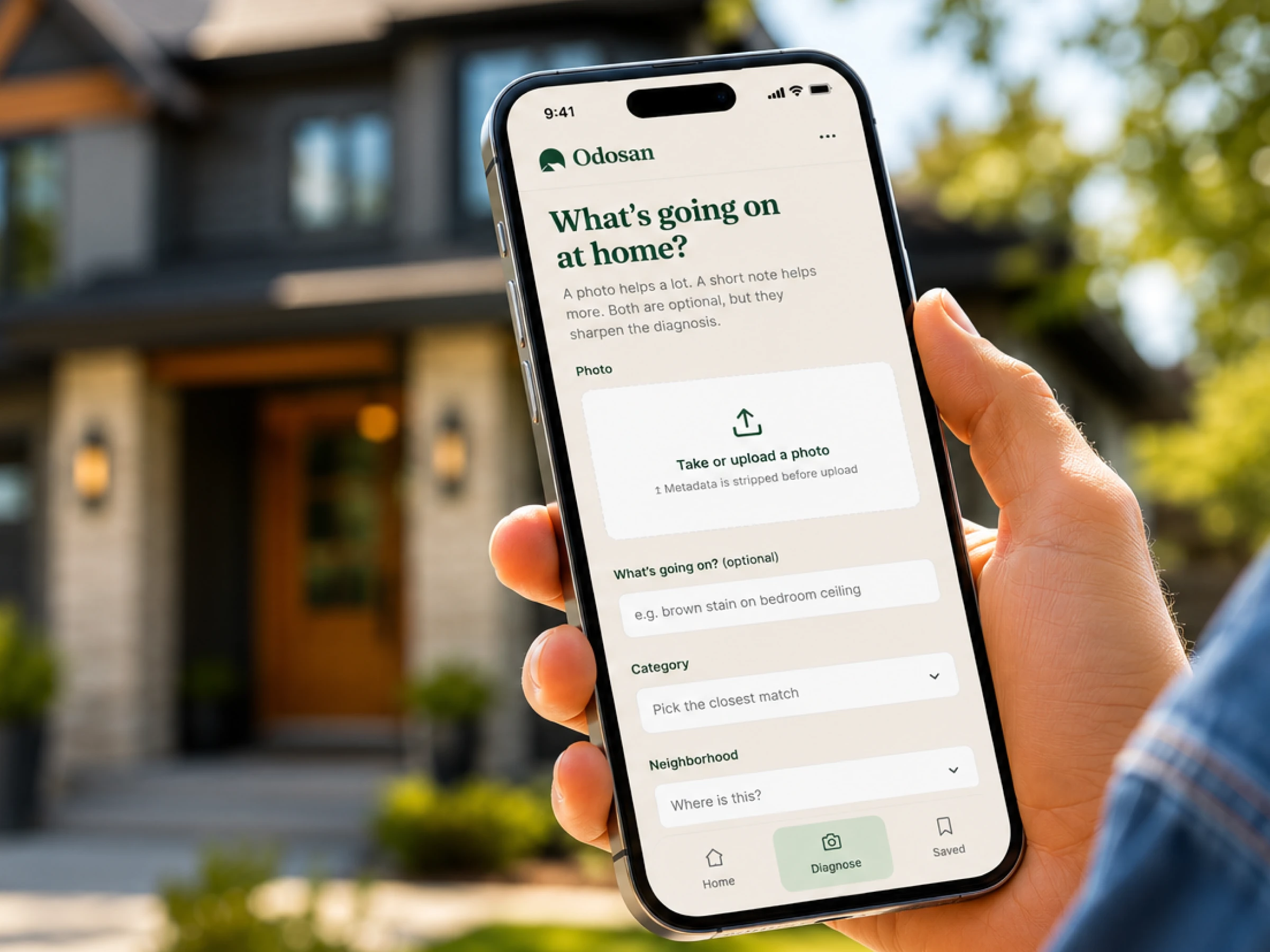
Odosan
Diagnose home problems from a photo with fair pricing and matched local pros.
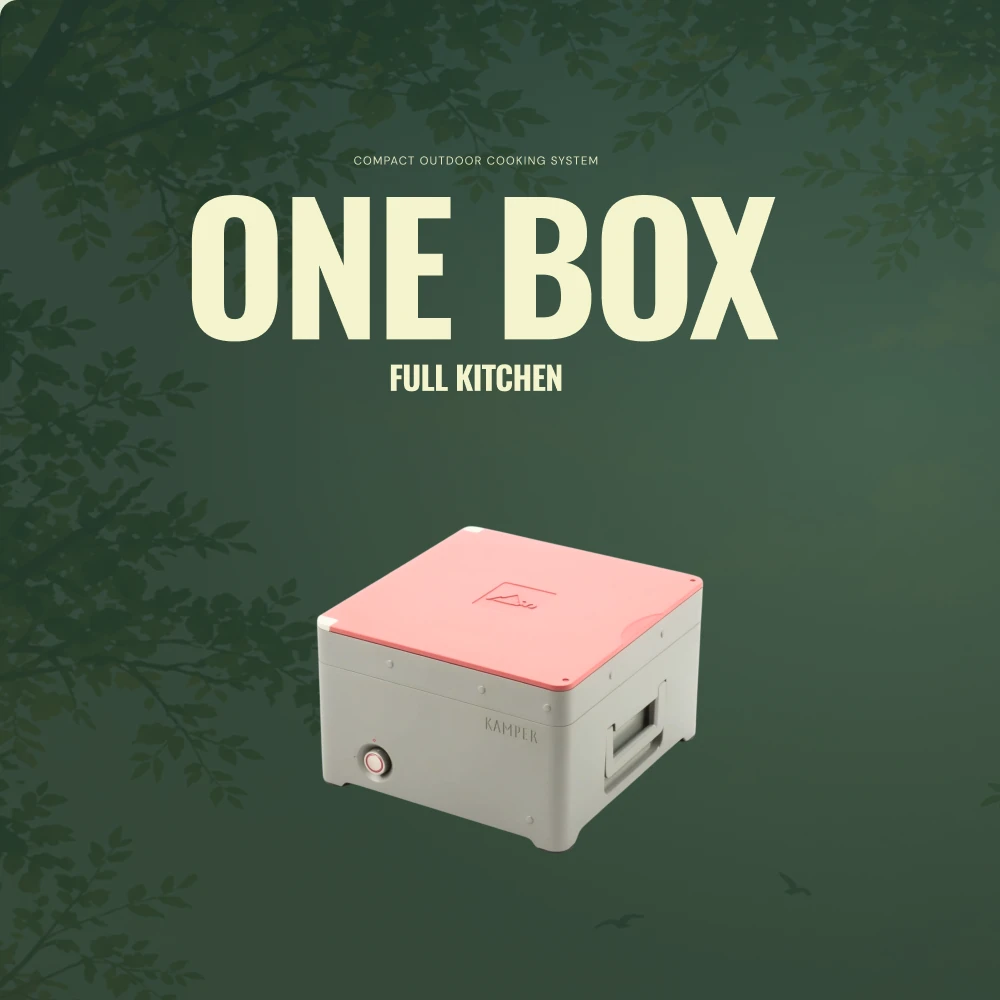
Kamper
Modular outdoor kitchen launching with AI-generated campaign visuals and a waitlist.
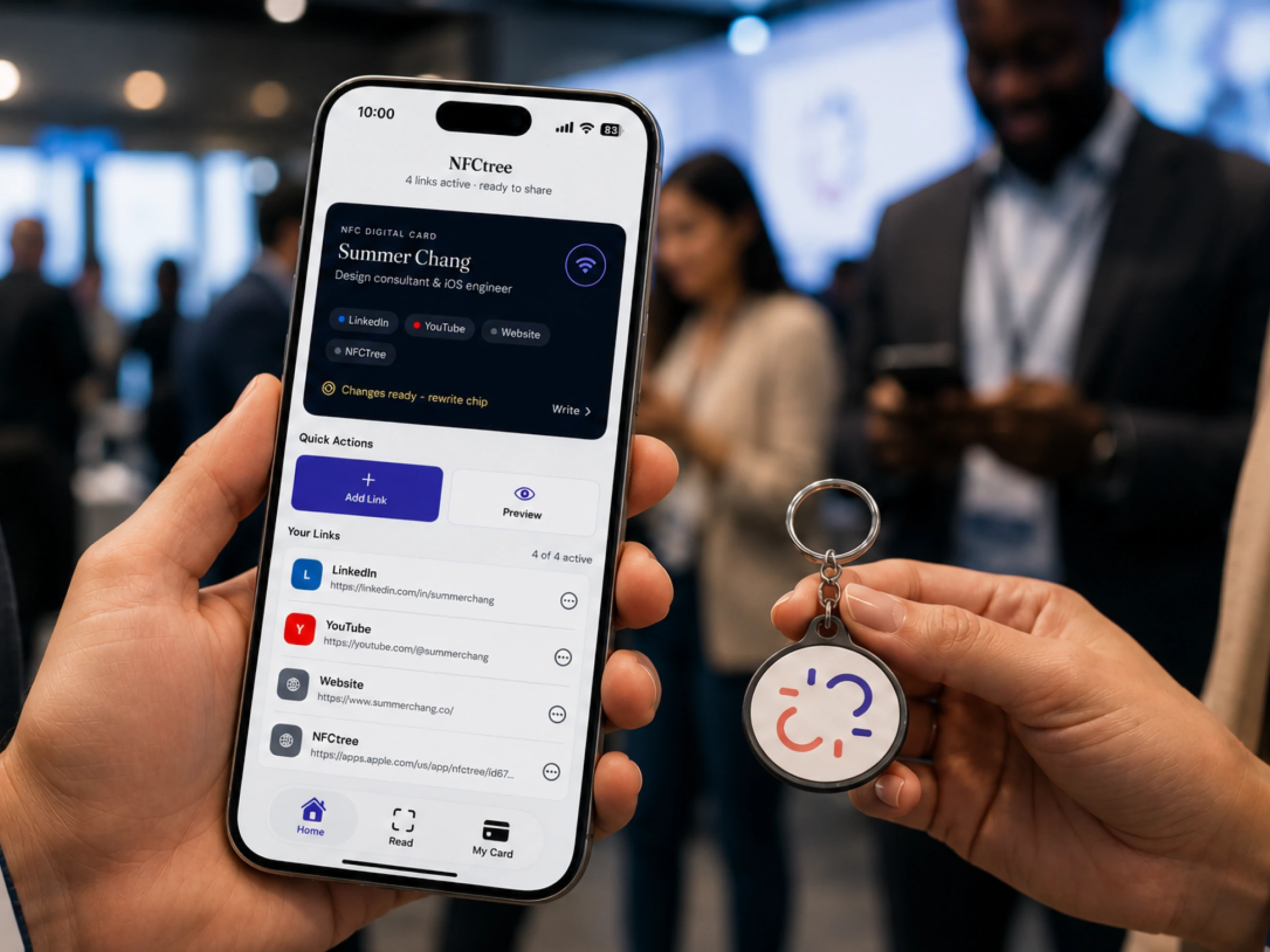
NFCtree
Your digital business card on a chip. Tap to share your socials in any browser.
Bookee
Researches each lead and calls back in under 60 seconds to book qualified meetings.
Oakling
Family-friendly Bay Area activities to do with your trusted circle, and memories that stick.
FurPass
Build a pet care guide once and share a secure link any sitter opens in a browser.
Odosan
Diagnose home problems from a photo with fair pricing and matched local pros.
Kamper
Modular outdoor kitchen launching with AI-generated campaign visuals and a waitlist.
NFCtree
Your digital business card on a chip. Tap to share your socials in any browser.